Free first age-up
For entertainment purposes only
See how big
they could get
Add your baby’s photo and one of each parent, then pick a year — the parent photos guide how the AI grows this one up. Every film and photoshoot needs only the baby photo.
Photos never kept · results auto-delete in 24 hours · no card needed
🎬 A real growing-up time-lapse, generated from the single photo below
 Uploaded
 Age 6
Age 6 Age 10
 Age 18
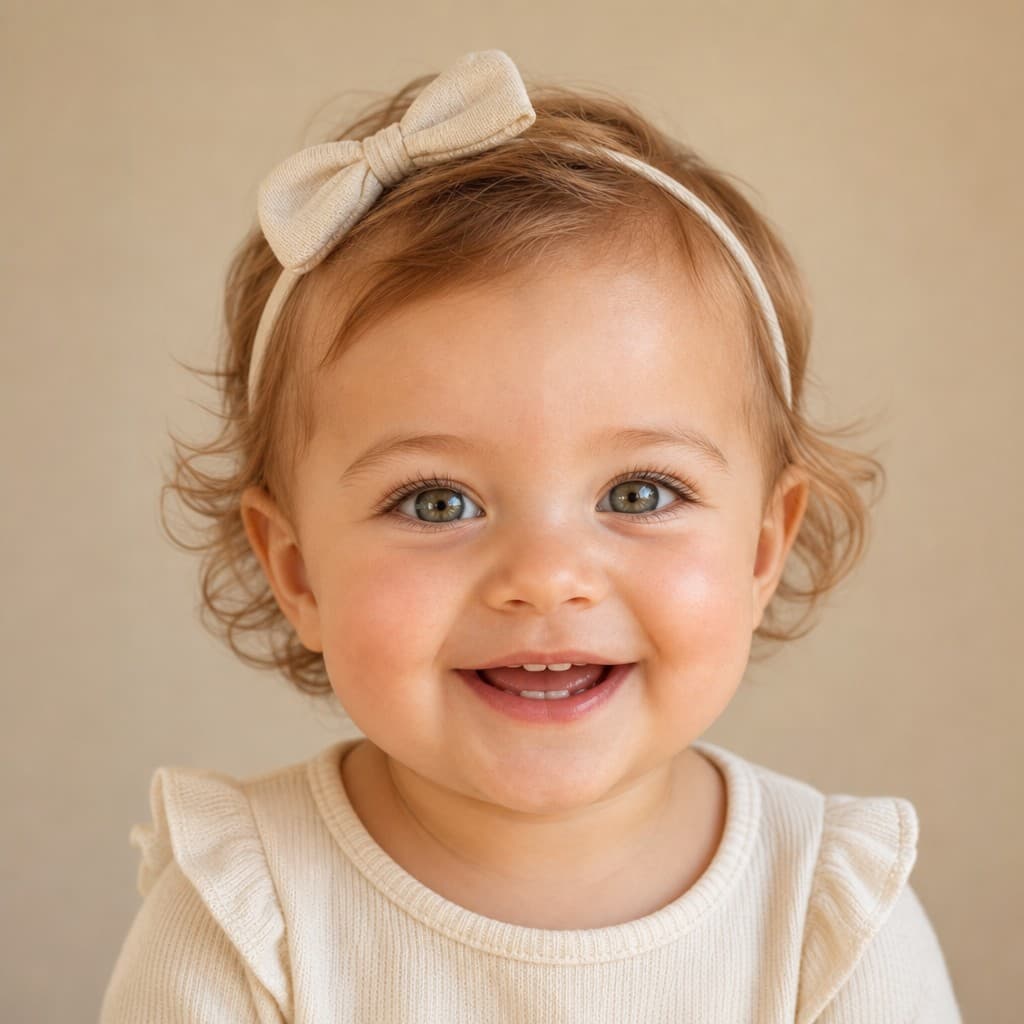
The first frame is the uploaded baby photo — the next three are real results from this tool, not mockups.
How it works
Three faces. Every year after them.
Add the three faces
Your baby, plus mom and dad — clear, front-facing photos straight from your camera roll.
Pick a year
Any age from 1 to 80. The AI ages your baby’s face using both parents as the guide.
Keep going
The baby photo alone becomes films, photoshoots, filters, cards and names.
Baby videos
The ones you will actually post
Tap the speaker on any clip — every one is a real generated film, made from a single photo, with sound.
Growing-up time-lapse
Their whole childhood — 1 to 18 — morphing in one continuous film. The one that makes grandparents cry.
Make this oneTalking Baby
Type a line and your baby says it out loud — as a tiny gangster, a rockstar, or just as themselves.
Make this oneDancing baby
A baby nailing a full grown-up move — breakdance, moonwalk, the robot. The joke writes itself.
Make this oneBirthday bottle blast
A milk-fountain birthday party — number balloon, glowing candle, confetti and pure delight.
Make this oneFirst smile
A still photo breaks into a real, moving giggle. The second after the picture.
Make this oneBaby sings a song
A toy microphone, closed eyes on the big notes, and a whole tiny performance.
Make this oneBaby podcast host
Studio mic, oversized headphones, and very strong opinions about naps.
Make this oneArt video
Anime, 3D cartoon, watercolor — your baby redrawn as art, then set in motion.
Make this oneCustom video
Type your own idea — a tiny astronaut, a chef, a rockstar — and the AI films it.
Make this oneFamily moment
Mom, dad and baby composed into one themed portrait — then gently brought to life.
Make this oneMore from the same photo
One upload, a whole studio
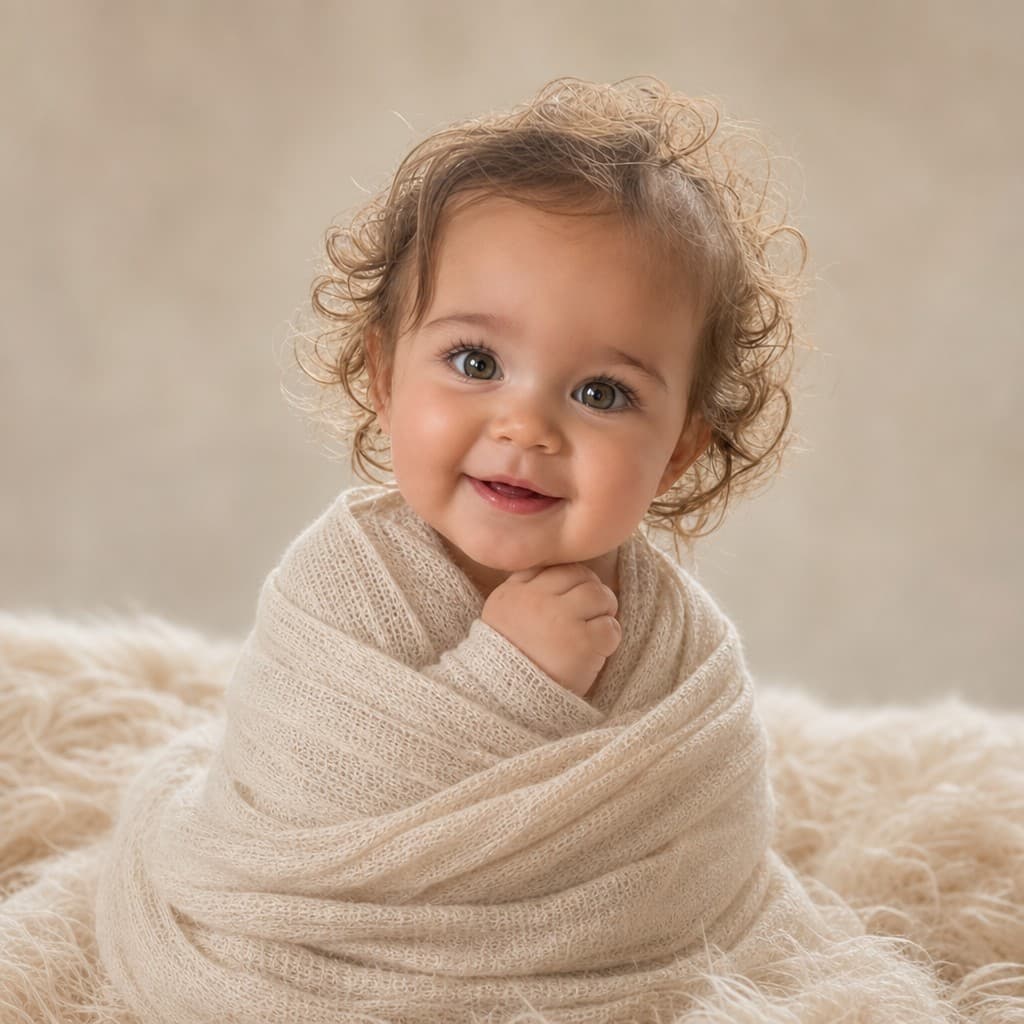
Themed photoshoots
Studio session, Christmas card, cake smash, flower field — same face, no appointment.

Art Filters
Anime, 3D cartoon, watercolor, comic, pop art and more — your baby, as art.
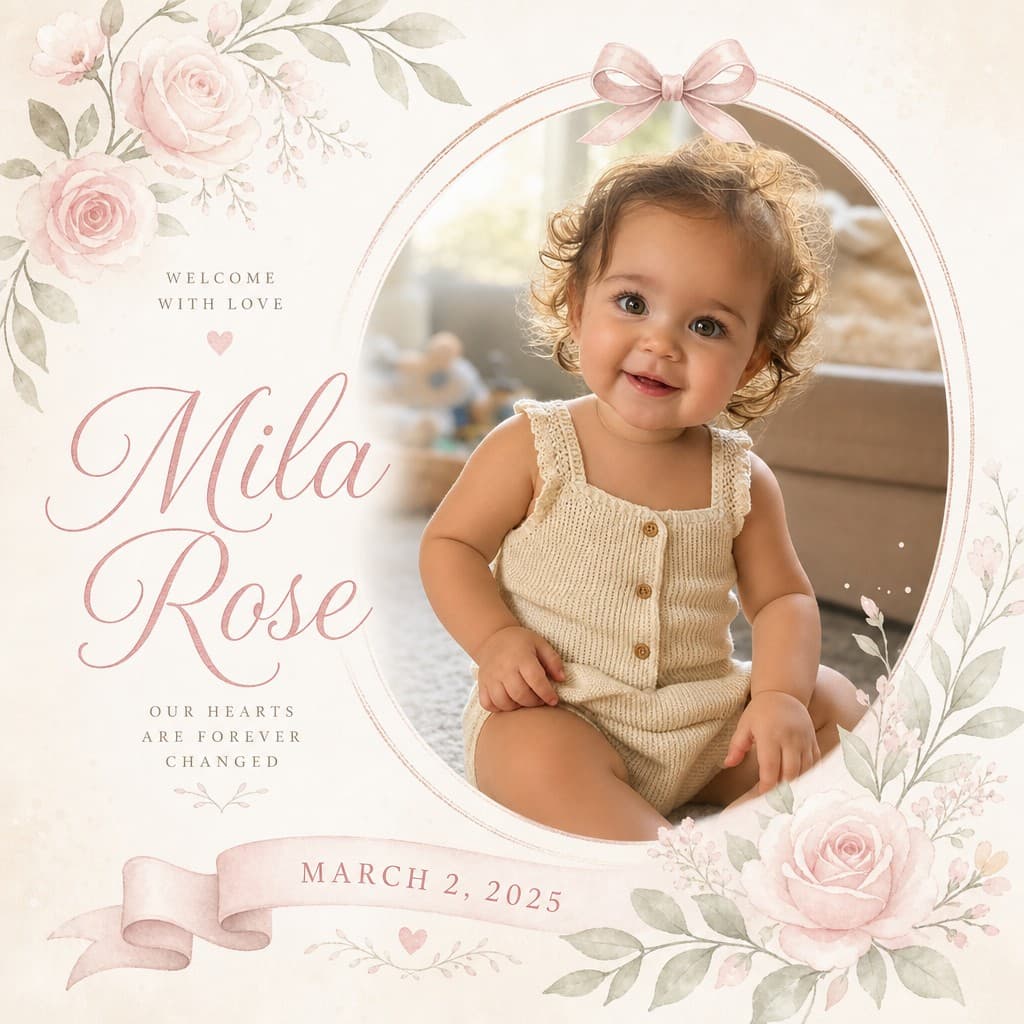
Cards
A lettered announcement or first-birthday card designed around their own photo.
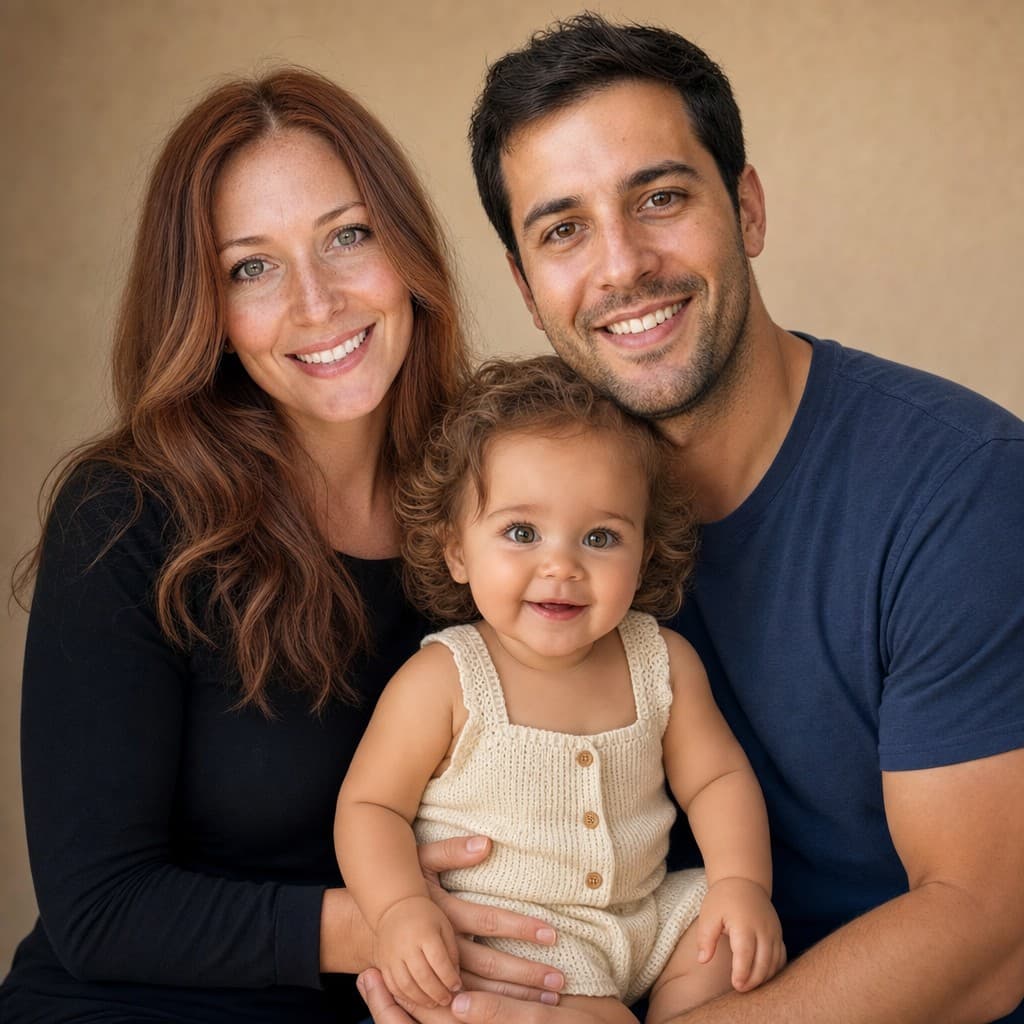
Family portrait
You, your partner and your little one in one warm frame — finally.
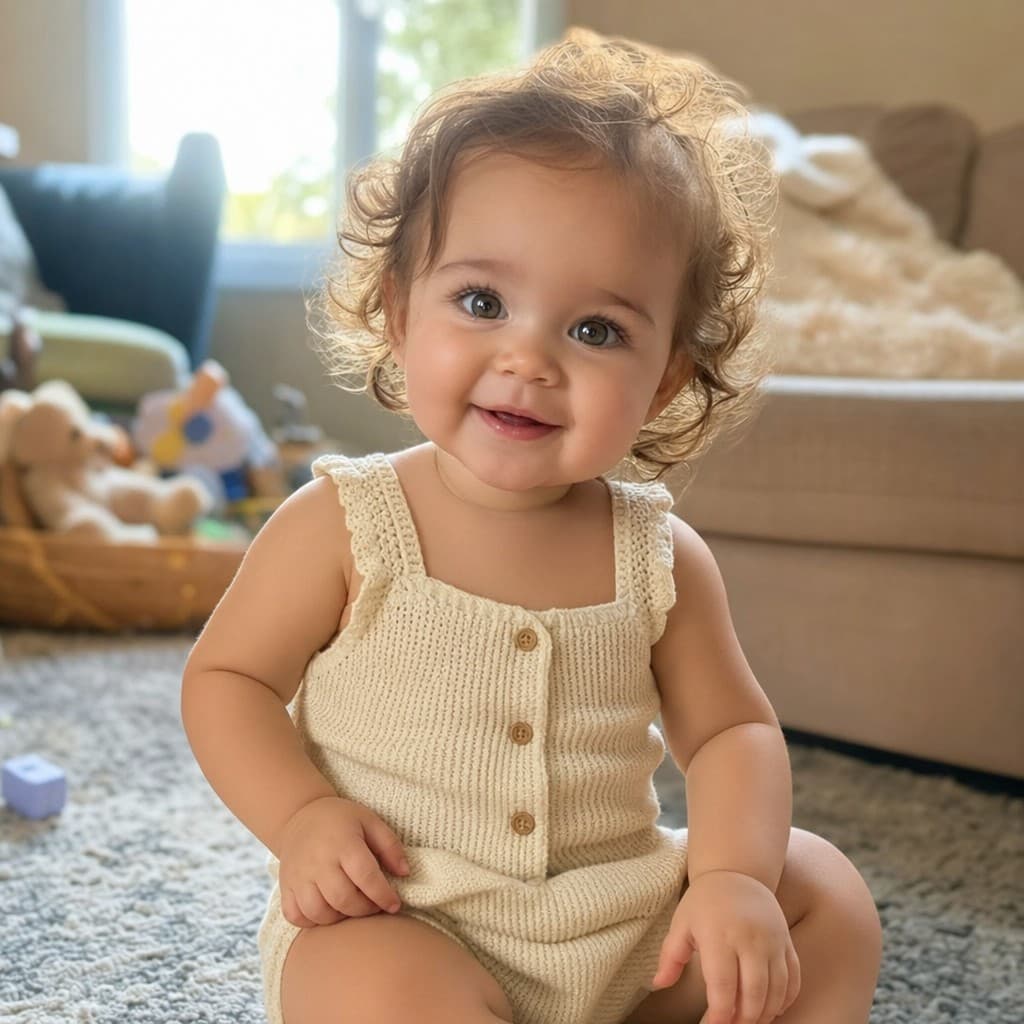
Baby names
Names with origins and meanings, suggested to suit the face looking back at you.
Future baby predictor
Thinking about the next one? Two parent photos in, a future baby out.
Even more ideas
Ready-made baby video moments
Tap one to make it — sweet little films your baby can star in, straight from one photo.
Questions, answered
How does Age My Baby work?
Add a clear photo of your baby plus one of each parent, pick an age between 1 and 80, and the AI gently ages your baby’s portrait forward, using the parents’ photos as the guide. Your result shows only your child, ready in under a minute.
Is it free?
Your first age-up is free, no card needed. After that, one-time credit packs from $4.99 unlock more ages, themed photoshoots, art filters, cards, names and keepsake films. There is no subscription and credits never expire.
How many photos do I need?
Three to age a photo up: your baby, mom and dad. Everything else — the films, photoshoots, filters, cards and names — runs from the single baby photo. Front-facing, decent light, no sunglasses or heavy filters.
What else can I make from that one photo?
From the baby photo alone: a growing-up time-lapse film, a talking or dancing baby video, a birthday party clip, themed photoshoots, art filters, an announcement card and name ideas with meanings. The family portrait uses the parents too.
What happens to my photos?
The photos you upload are never kept — they are processed only to make your result and discarded as soon as it is generated. Results stay in your private album for 24 hours and are then deleted automatically, so download the ones you want to keep.